 TabTasker
TL;DR:
- A private one-on-one video call built on WebRTC offers security without account requirements and leaves no persistent record.
- Tabtasker provides instant, link-only browser-to-browser calls with zero logs and local media editing tools, ensuring privacy.
The fastest and most private way to chat one on one video is a link-only, browser-to-browser call built on WebRTC. No account. No download. No files leaving your device. Here's how to start right now:
- Open a privacy-first browser: Chrome, Firefox, Safari, or Edge all support WebRTC natively
- Create a link-only room with one click (Tabtasker's video tool does this instantly)
- Share the unique link with the other person via text, email, or any messenger
- Both of you join directly in the browser; media travels peer-to-peer, encrypted with DTLS-SRTP
- Close the tab when you're done — the session disappears, leaving no persistent trace
That's the whole workflow. The sections below explain what to verify before you trust any tool with a sensitive call, and why the architecture behind that link matters more than the feature list.
Table of Contents
- What should you check before trusting a private 1:1 video tool?
- How does Tabtasker compare to relay-based video platforms?
- Tabtasker gives you private calls and private media tools in one place
- Key Takeaways
What should you check before trusting a private 1:1 video tool?
Not every "private" video chat platform is built the same way. The label is easy to claim; the architecture is harder to fake.
Privacy architecture: P2P vs. server relay. In a true peer-to-peer (P2P) call, media flows browser-to-browser and the provider's servers only broker the initial handshake. With server-relayed (TURN/media server) calls, your audio and video pass through provider infrastructure, where they can be re-encrypted or recorded by the provider. That distinction is the single most important thing to verify.
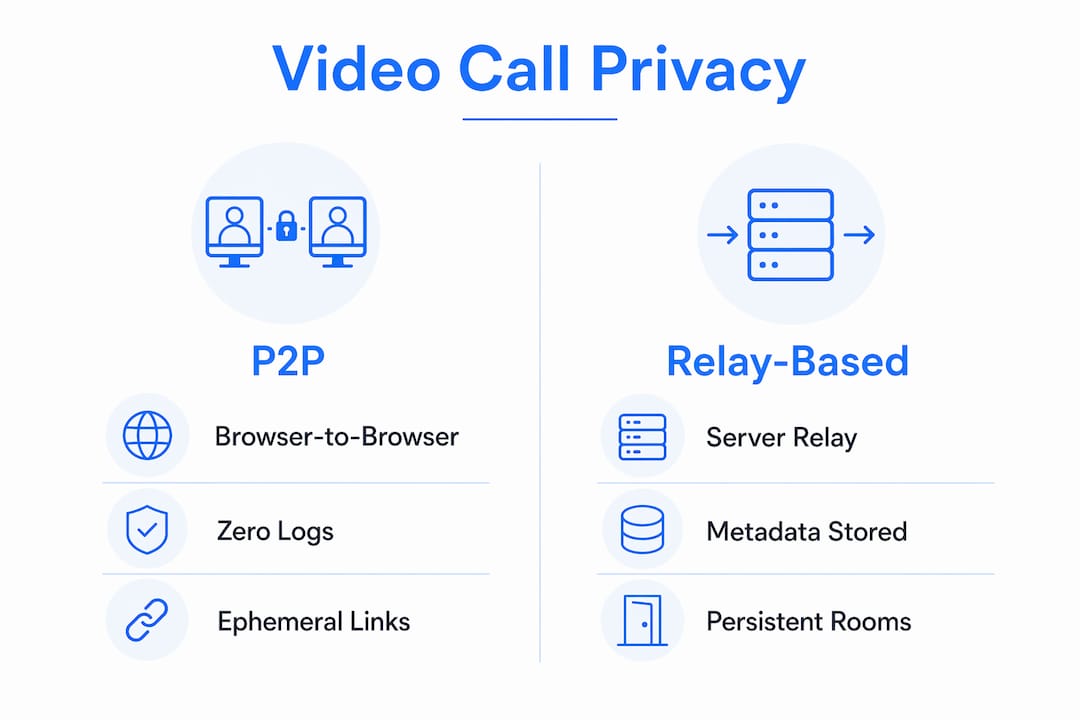
Sign-up and metadata. Even when media is encrypted, a platform that requires an account collects metadata: who called whom, when, and for how long. Zero-metadata platforms explicitly state they keep no logs, which means there's nothing to subpoena. Look for that exact language in the privacy policy, not just a vague "we respect your privacy."
Link behavior and ephemerality. A well-designed private room uses a single-use or short-lived link. Better still, the room secret lives in the URL fragment (the part after #), so it never reaches the signaling server at all. After the call, the room should dissolve.
Encryption specifics. DTLS-SRTP is the WebRTC standard for media encryption; some tools add AES-GCM via WebRTC Insertable Streams for an extra layer. Either is a meaningful trust signal. Transport encryption alone (HTTPS) is not enough.
Feature trade-offs. Screen sharing, direct file transfer, and a whiteboard are genuinely useful in a 1:1 session. Prioritize the ones you'll actually use rather than a long feature list you won't.
Practical checks before any sensitive call:
- Confirm no sign-up is required and no account is created
- Read the privacy policy for "zero logs" or "zero metadata" wording
- Check whether the tool is open-source or audited for independent verification
- Test with a throwaway call first; open your browser's developer console and look for TURN server connections if you want to verify P2P behavior
- Treat the room link like a password — share it only through a channel the other person controls
Pro Tip: If a "free" video chat platform requires an email address and stores your call history, you may be the product. The cost of free tools is sometimes paid in data, not dollars.
How does Tabtasker compare to relay-based video platforms?
Tabtasker's browser-to-browser video call is built for exactly this use case: a quick, private, one on one video call with no account, no uploads, and no server holding your media. Here's how that design compares to typical mainstream platforms.

| Dimension | Tabtasker | Relay-based conferencing (typical) |
|---|---|---|
| Privacy architecture | P2P (browser-to-browser) | Server relay / TURN |
| Sign-up required | No | Usually yes |
| Metadata / logging policy | Zero-logs | Collects metadata |
| Media encryption | DTLS-SRTP (WebRTC) | Transport encryption; provider may hold keys |
| Browser & mobile support | Chrome, Firefox, Safari, Edge | Broad, but often requires app on mobile |
| 1:1 features | Screen share, direct file share, whiteboard | Recording, calendar integrations, breakout rooms |
| Recording policy | Ephemeral; no server-side recording | Stored recordings common |
| Ease of use | Link-only, instant join | Account setup, waiting rooms, host controls |
Relay-based platforms like Zoom or Google Meet are well-suited for scheduled team meetings, large groups, and deep calendar integrations. But for a personal video chat between two people who want no persistent record, routing media through a provider's servers is unnecessary exposure.
Starting a call on Tabtasker in four steps:
- Go to tabtasker.com/video-call and click to create a room
- Copy the generated link and send it to the other person
- Grant camera and microphone permissions when prompted; verify the browser shows a secure connection
- Close the tab when finished — the session ends and leaves no stored record
Between calls, Tabtasker's local tools handle the media editing you'd otherwise upload elsewhere: strip EXIF data from photos before sharing, trim audio, or remove image backgrounds, all processed in your browser with no file ever leaving your device.
Tabtasker gives you private calls and private media tools in one place
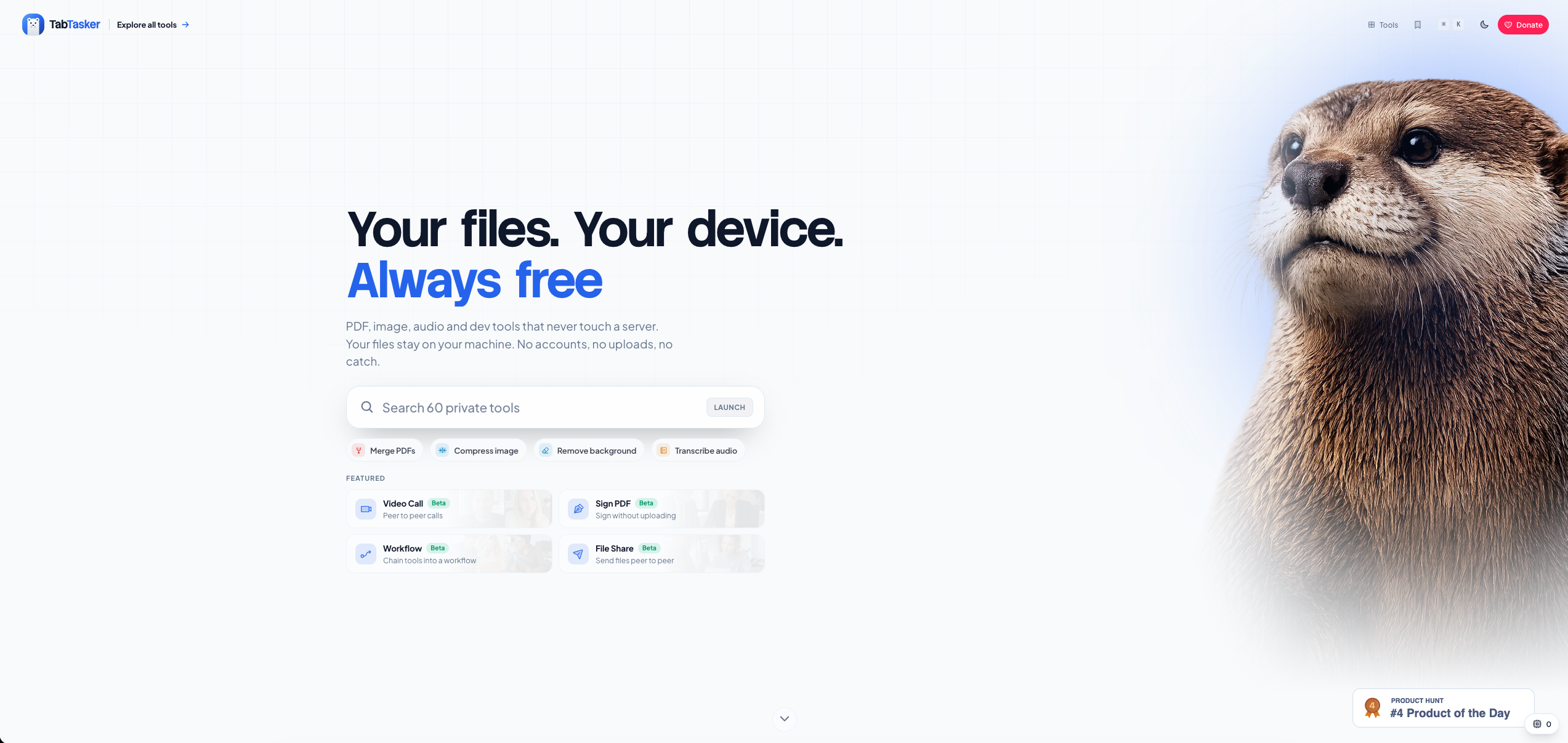
Most people reach for a mainstream video platform out of habit, then upload files to a separate service to edit them afterward. Tabtasker removes both steps. Start a link-only, no-sign-up one-on-one video call, then use the same browser tab to edit images, process audio, or clean up a PDF — everything stays local, nothing gets uploaded.
The image editor and background remover run entirely offline in your browser. So does the audio trimmer, the EXIF stripper, and the full offline tool suite. No account required for any of it. Head to tabtasker.com/video-call to start your first private call right now.
Key Takeaways
A private one-on-one video call is only as secure as its architecture: P2P with zero-logs and ephemeral links is the standard worth demanding.
| Point | Details |
|---|---|
| P2P beats server relay | In peer-to-peer calls, the provider never holds your media keys and cannot record or hand over content. |
| Metadata matters | Even encrypted calls leave logs; choose platforms that explicitly state zero-metadata or zero-logs policies. |
| Ephemeral links protect sessions | Single-use room links, especially with secrets in the URL fragment, leave no traceable server record after the call ends. |
| Browser-native WebRTC | Chrome, Firefox, Safari, and Edge all support WebRTC natively, so no app install is needed and sessions run in ephemeral browser memory. |
| Tabtasker | Offers link-only browser-to-browser video with zero-logs and local media editing tools, all without sign-up or uploads. |