 TabTasker
Talk, and it’s typed.
Hold fn in any app on your Mac, say what you want to write, and let go. The words appear where your cursor is.
Free for Macs with Apple silicon on macOS 13 or later. Version 0.1.0, 19.7 MB.
There’s more in the pill.
Move your pointer onto the pill and it opens into buttons for everything else.
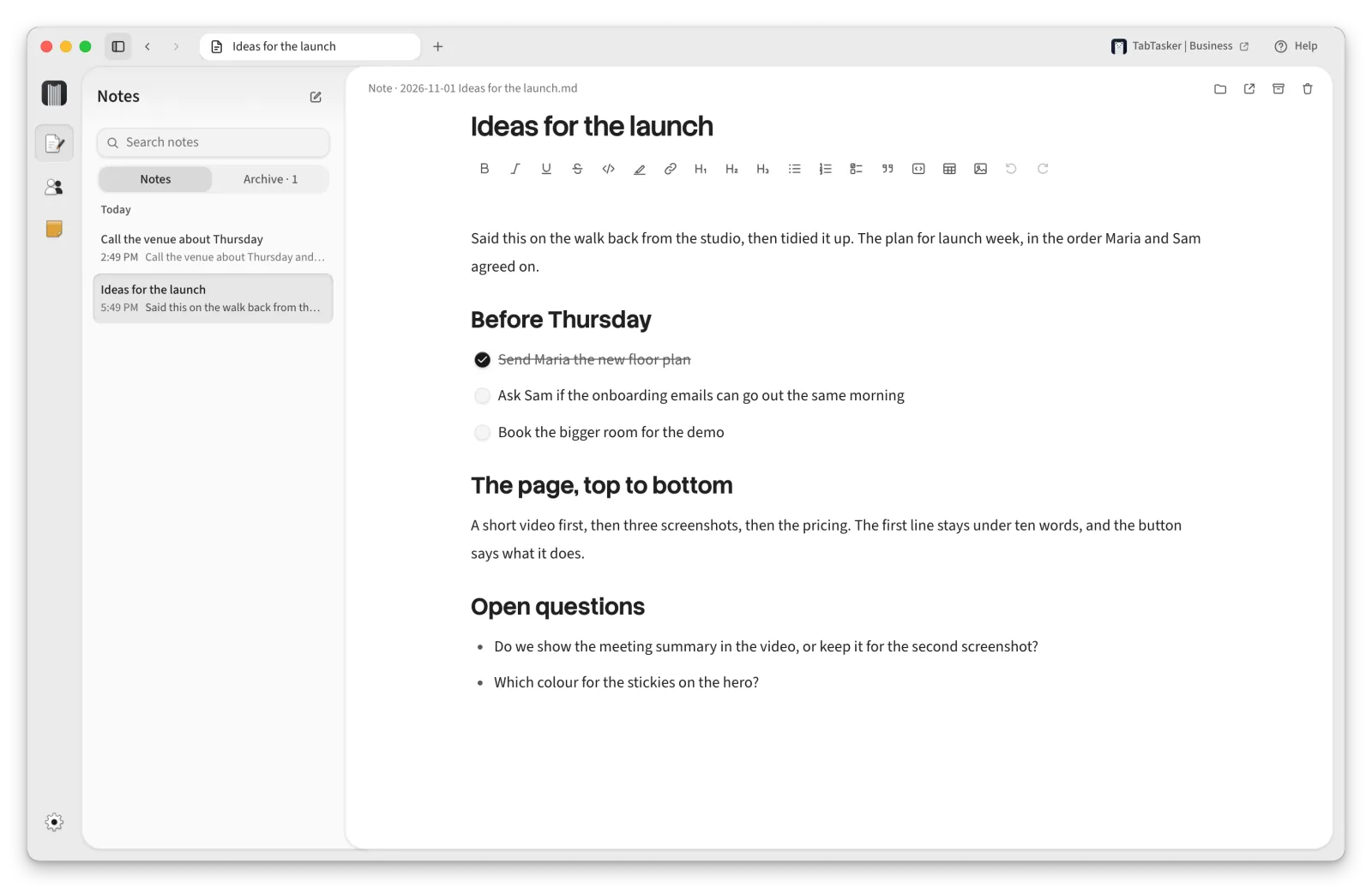
Talk into a note for as long as you like, or type. Every note is a plain Markdown file in your Documents folder, so Obsidian and any other app can open it.
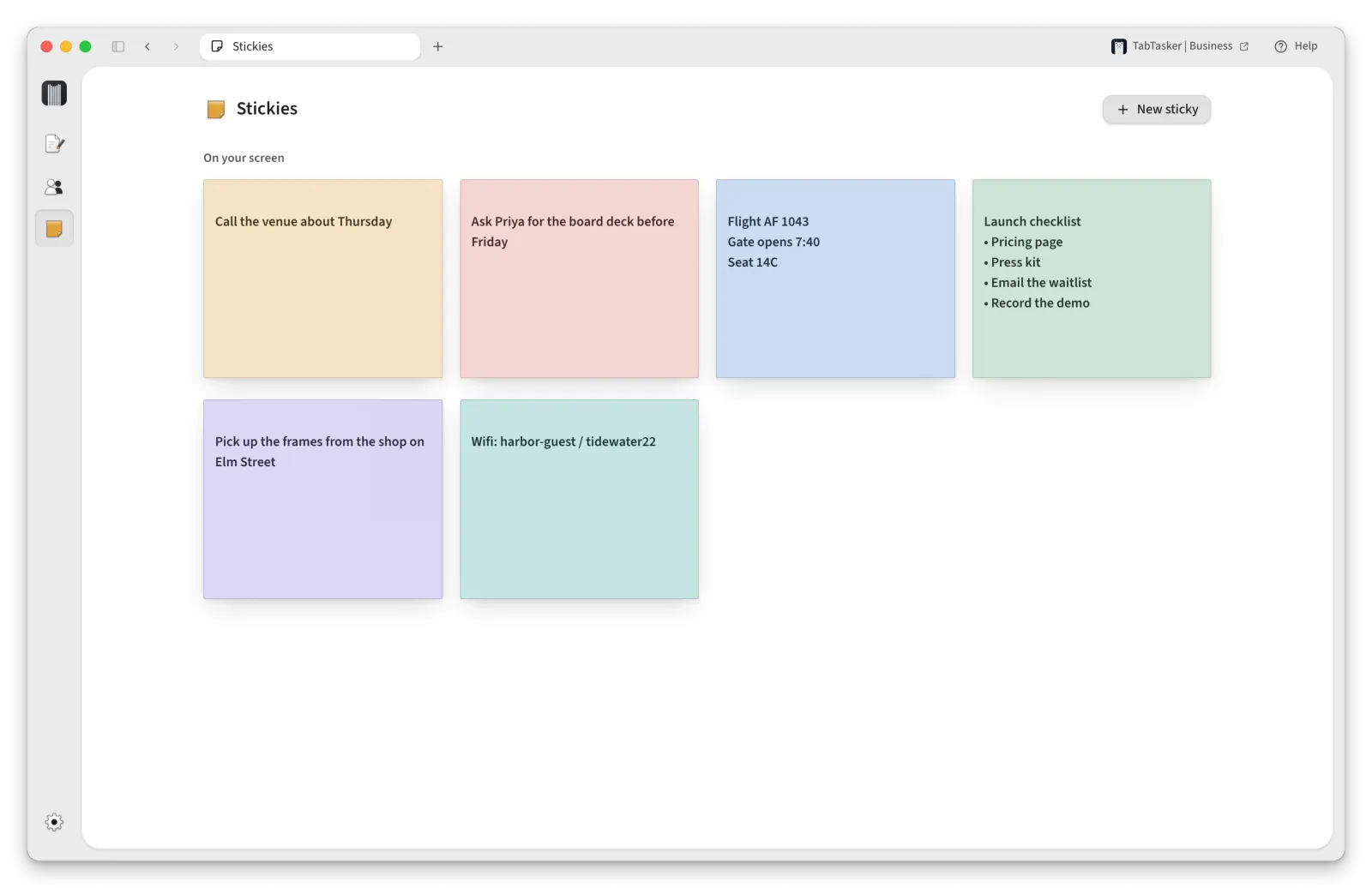
A sticky stays on top of your windows until you close it. Say “sticky: call Thomas” while you dictate and one appears.
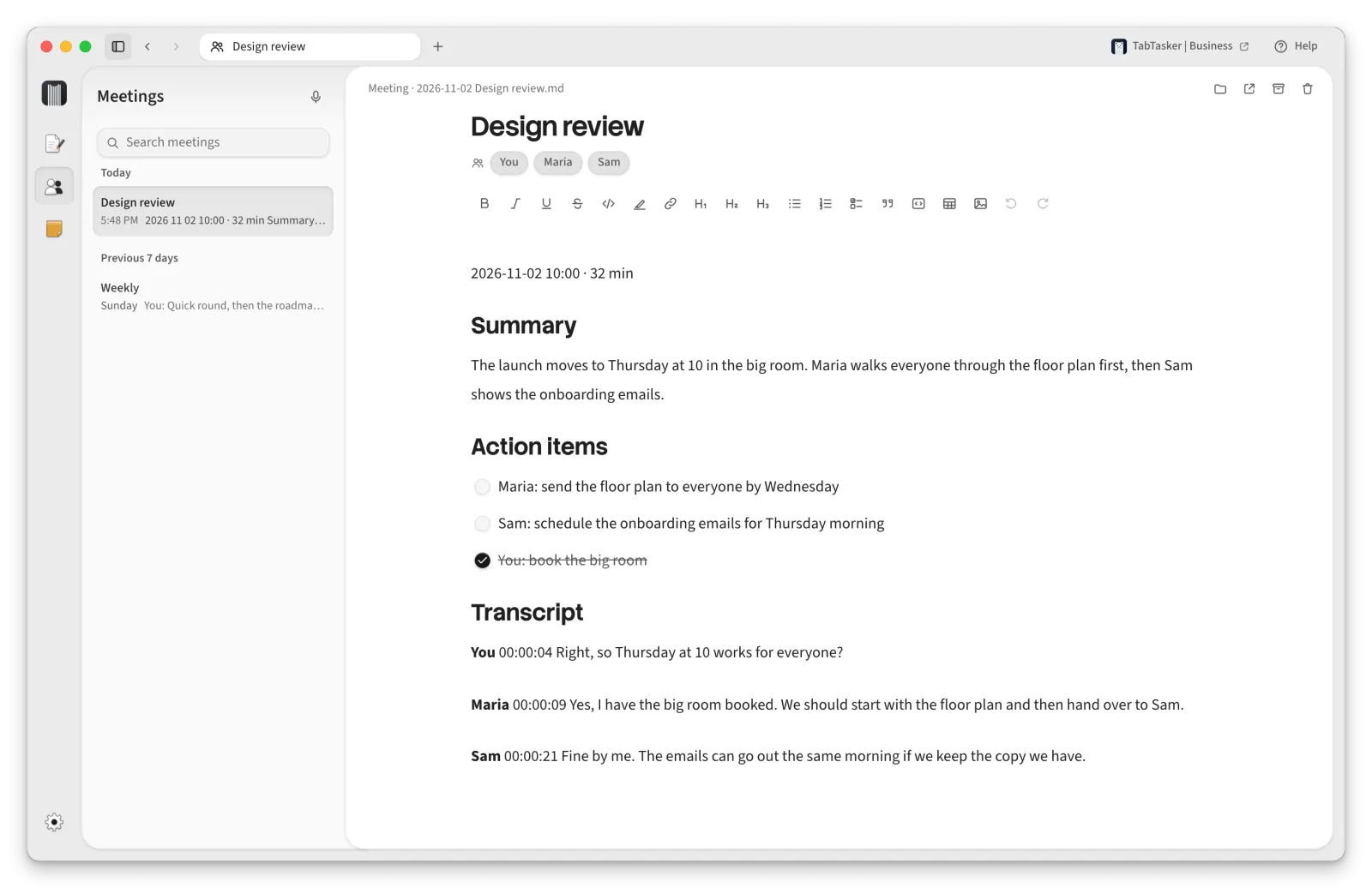
Record a meeting or a call and get a transcript that tells the voices apart, the other side of the call included. Connect an AI model and it adds a summary and the action items.
Your voice stays on your Mac.
Speech recognition runs on your Mac. Nothing you say is uploaded, and once the speech model is downloaded, dictation works without an internet connection.
There’s no account. Nothing to sign up for. Open it, allow the microphone and Accessibility, and hold fn.
Your notes are files you own. Plain Markdown in your Documents folder. If you delete the app, they stay where they are.
AI only if you want it. Connect Claude, OpenAI or a model running on your Mac to name notes and summarise meetings. It only ever gets text, and Settings shows you exactly what it sees.
Questions
- Which Macs does it run on?
Macs with Apple silicon (M1 or newer) on macOS 13 Ventura or later. Intel Macs aren’t supported.
- What does it cost?
Nothing. It’s free and open source under the Apache 2.0 licence, and the code is on GitHub.
- Which languages does it understand?
More than 40. Pick yours in Settings, or leave it on automatic and it works out which one you’re speaking.
- What does it download?
The app itself is 19.7 MB. The first time it opens, it downloads its speech model, about 875 MB, and walks you through the two permissions it needs.
- Which permissions does it ask for?
The microphone, so it can hear you, and Accessibility, so it can type into other apps.
- Will macOS warn me when I open it?
No. It’s signed with our Developer ID and notarized by Apple, so it opens like any other app you download.