 TabTasker
TL;DR:
- Free document tools enable researchers to build comprehensive workflows without subscription costs or privacy risks. These tools support every research step from discovery to writing, with many operating locally for enhanced data security. Combining free, open-source, and offline tools ensures a cost-effective and private research process.
Free document tools are defined as software applications that give researchers full access to editing, annotation, collaboration, and file management without subscription fees or paywalls. For researchers managing tight budgets and sensitive unpublished data, these tools are not a compromise. They are the most practical foundation for a productive academic workflow. Understanding why researchers need free document tools means examining cost, privacy, and workflow fit together, not as separate concerns.
Why researchers need free document tools for workflow efficiency
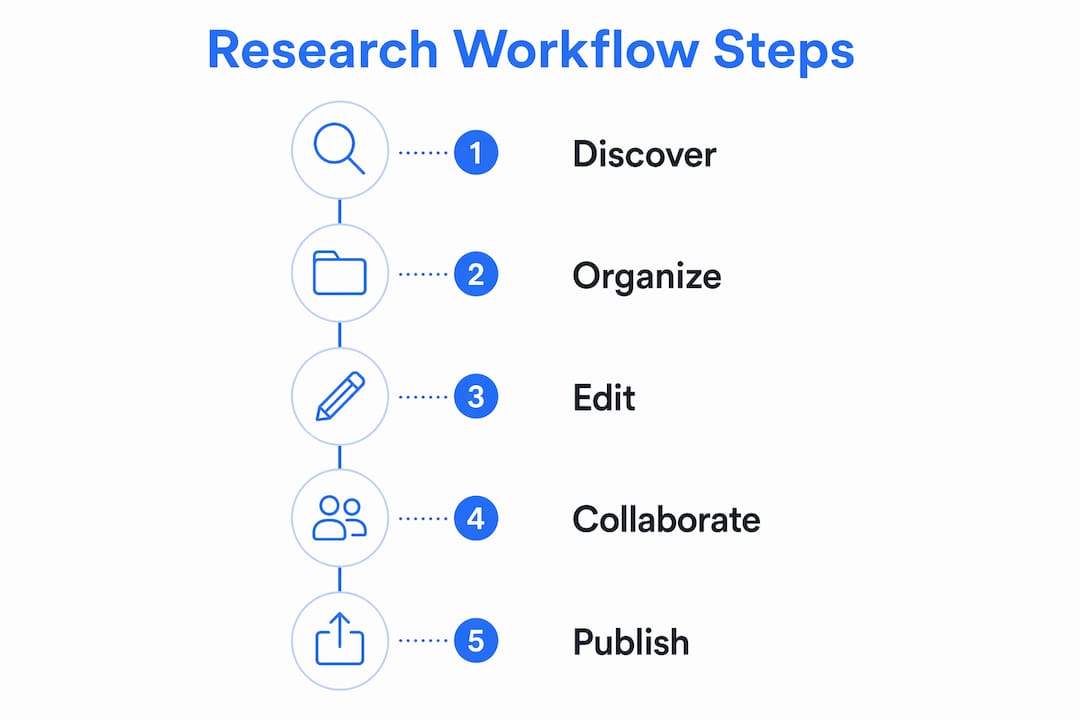
Academic research rarely fits inside a single application. Researchers favor multiple specialized tools over one paid platform because no single product handles every research task well. That insight changes how you should build your workflow from the start.

The discovery phase alone requires dedicated tools. Semantic Scholar indexes over 200 million papers at no cost, giving you access to a literature base that rivals any institutional subscription. That scale means you can run a thorough literature review without paying for database access. Research Rabbit covers more than 100 million papers and maps citation networks visually, which helps you spot gaps in the literature faster than manual searching.
Annotation and organization sit at the next layer. Reference managers like Zotero provide structured bibliographies, PDF annotation, and note-taking features that keep citations organized at zero cost. Combining a discovery tool with a reference manager gives you a complete front-end workflow without opening your wallet.
Writing and editing complete the stack. Building a zero-budget academic stack requires pairing discovery, screening, extraction, and writing tools deliberately. Each layer covers a distinct research step, and free tools exist for every one of them.
- Discovery: Semantic Scholar, Research Rabbit, and official publisher APIs like Scopus and IEEE Xplore for free abstract and citation access
- Organization: Zotero and open-source reference managers for citation formatting and PDF management
- Writing: LibreOffice and browser-based editors for drafting, formatting, and document compatibility
- File operations: Client-side browser tools for PDF editing, format conversion, and secure file handling
Pro Tip: Treat your research stack like a relay race. Each tool hands off to the next. Map your workflow from paper discovery to final submission, then assign one free tool to each stage. You will find that no paid subscription fills a gap that a free alternative cannot.
How do free tools protect sensitive research data?
Data privacy is the most underappreciated reason to choose free document tools carefully. Not all free tools are equal. Cloud-dependent editors upload your files to remote servers the moment you open them. For unpublished findings, proprietary datasets, or confidential participant data, that upload is a liability.
Browser-based tools that process files locally use client-side scripts, meaning your files never leave your machine. That distinction matters enormously when you are handling pre-publication manuscripts or IRB-protected data. The file stays on your device, and no server ever sees it.
Offline tools increase your control over data and remove the risk of cloud breaches entirely. LibreOffice, for example, runs fully offline, processes nothing externally, and handles .docx files reliably. You own the document workflow from start to finish.
Open-source tools add another layer of trust. When the source code is public, you can verify what the software actually does with your files. That transparency is something no proprietary SaaS editor can offer. Tools built on open standards, like those aligned with ORCID and OpenAlex, also protect you from vendor lock-in and metadata loss when platforms change their pricing or shut down.
- Client-side processing: Files are edited in your browser without server uploads, keeping sensitive data local
- Offline capability: No internet connection required means no transmission risk during editing
- Open-source code: Publicly auditable software removes the guesswork about data handling
- No account required: Tools that skip sign-up eliminate the risk of account-linked data profiling
Pro Tip: Before using any free online tool with unpublished research, check whether it processes files locally or uploads them. Look for "client-side" or "no upload" in the tool's documentation. If that language is absent, treat the tool as cloud-dependent and act accordingly.
For a deeper look at how to edit documents privately, the principles of client-side processing apply across every file type you handle in research.
What free document tools work best for academic research?
The right tool depends on the task. The table below maps common research document needs to the type of free tool that fits each one.
| Task | Tool type | Offline capable | Privacy level | Collaboration support |
|---|---|---|---|---|
| Academic writing and formatting | LibreOffice Writer | Yes | High | Limited (file sharing) |
| Citation and reference management | Zotero (free tier) | Partial | Medium | Yes (group libraries) |
| PDF editing and annotation | Browser-based PDF tools | Yes (client-side) | High | No |
| Literature discovery | Semantic Scholar, Research Rabbit | No | Medium | No |
| Markdown notes and drafts | Browser-based Markdown editors | Yes | High | No |
| CSV and data tables | Browser-based CSV editors | Yes (client-side) | High | No |
| Academic CV and metadata | SigmaCV (ORCID/OpenAlex aligned) | No | High | No |
LibreOffice offers template systems, macros, and chart tools that match the core features of paid office suites. It manages .docx files reliably, which matters when collaborating with colleagues who use proprietary editors. The privacy advantage is direct: nothing leaves your machine.
SigmaCV is open source, non-profit, and aligned with ORCID and OpenAlex, making it a trustworthy option for managing academic identity and publication metadata. That alignment with established academic infrastructure means your data stays in formats the research community already recognizes.
For PDF work, browser-based tools that use client-side processing are the strongest choice for sensitive documents. Tabtasker's free offline PDF tools operate entirely in your browser, require no account, and never upload your files. That combination of zero cost and high privacy is rare in the PDF editing category.
When your workflow involves document approval or team review, structured processes help academic teams stay coordinated without relying on expensive enterprise platforms.
How do free tools support academic collaboration on a budget?
Budget constraints hit early-career researchers and small labs hardest. A single institutional license for a premium document suite can cost hundreds of dollars per seat per year. Free tools eliminate that barrier entirely, letting teams of any size collaborate without multi-subscription costs.
Free tiers provide the essential functions needed to build a functional research stack at zero budget. That means a PhD student and a tenured professor can work from the same tools without one party absorbing the cost.
Interoperability between free tools makes collaboration practical. LibreOffice exports to .docx and .pdf, Zotero exports to BibTeX and RIS, and browser-based editors handle Markdown and CSV formats that any researcher can open. No one on the team needs a paid subscription to read or edit shared files.
- Version control: Free tools like LibreOffice support tracked changes and document versioning without cloud dependency
- Shared reference libraries: Zotero group libraries let teams share citations and PDFs at no cost
- Format compatibility: Open formats like .odt, .csv, and Markdown work across operating systems and tools
- No per-seat pricing: Free tools scale to any team size without licensing negotiations
Official APIs from publishers like Scopus and IEEE Xplore provide free access to abstracts and citation metadata, which means teams can conduct literature reviews collaboratively without paying for full-text access at every step. That access point alone can save a small lab a significant amount annually.
For researchers exploring document management alternatives, the free-tool ecosystem now covers most of what paid platforms offer at the document workflow level.
Key Takeaways
Free document tools give researchers the most direct path to a secure, cost-effective, and fully functional academic workflow without subscription fees or privacy trade-offs.
| Point | Details |
|---|---|
| Cost savings are real | A zero-budget academic stack covering discovery, organization, writing, and PDF editing is achievable with free tools. |
| Privacy depends on architecture | Client-side tools that process files locally protect unpublished research far better than cloud-dependent editors. |
| No single tool covers everything | Combining specialized free tools across workflow stages outperforms any single paid platform for research tasks. |
| Open-source builds trust | Publicly auditable tools like LibreOffice and SigmaCV give researchers verifiable control over their data. |
| Collaboration scales freely | Free tools with open formats let teams of any size share, edit, and review documents without per-seat licensing. |
Free tools changed how I think about research infrastructure
The conventional wisdom says you get what you pay for. In academic software, that logic breaks down fast. I have watched researchers spend institutional budget on premium suites while their actual bottleneck was a PDF they could not annotate offline or a CSV they could not edit without uploading to a third-party server.
The real cost of cloud-dependent tools is not always visible on an invoice. If you are not paying for the product, you might be the product. But the reverse is also true: paying for a tool does not guarantee your data stays private. The question worth asking is not "is this tool free?" but "where does my file go when I open it?"
What I have found is that the best free tools are not free because they lack features. They are free because their model does not depend on monetizing your data or locking you into a subscription. LibreOffice does not need your usage data. A client-side PDF tool does not need your files on its servers. That independence is worth more to a researcher than any premium feature list.
My practical advice: audit your current workflow once. Map every tool you use to the question of where your files go. You will likely find at least one point where sensitive data is traveling somewhere it does not need to go. A free, offline alternative almost certainly exists for that step.
— Vehicularis
Tabtasker's free tools for researchers who value privacy
Researchers who need document tools that work without uploads, accounts, or subscriptions will find Tabtasker built for exactly that use case. Every tool in the Tabtasker suite runs directly in your browser using client-side processing, so your files stay on your device from start to finish.
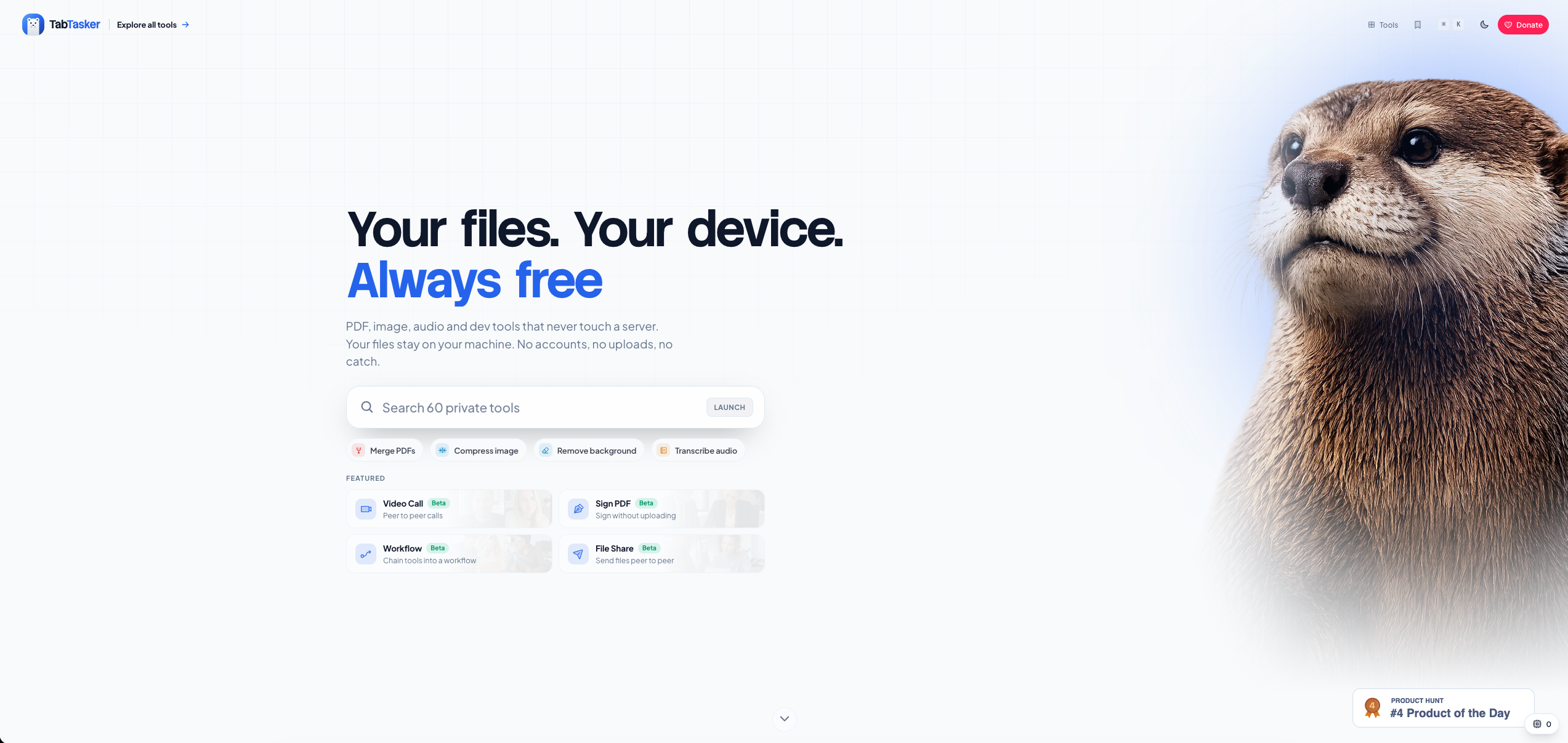
The Markdown editor handles research notes and draft manuscripts offline, with no sign-up required. The CSV editor lets you work with research data tables privately, without cloud exposure. For sharing files with collaborators, Tabtasker's browser-to-browser file sharing transfers documents directly between devices without routing through a central server. These tools cost nothing and ask for nothing in return.
FAQ
Why do researchers need free document tools specifically?
Free document tools remove subscription costs and privacy risks from academic workflows. Researchers handling sensitive or unpublished data benefit from tools that process files locally without server uploads.
Are free document tools secure enough for unpublished research?
Client-side tools that process files in the browser without uploading them are among the most secure options available. Tools like Tabtasker's offline suite never transmit your files to external servers.
What is the best free tool for academic writing?
LibreOffice is the most capable free, offline writing tool for academic work. It handles .docx compatibility, macros, templates, and chart tools without any subscription or cloud dependency.
Can free tools support team collaboration in research?
Free tools support collaboration through open file formats, shared reference libraries in Zotero, and tracked changes in LibreOffice. These features cover most academic team workflows without per-seat licensing costs.
How do free research databases compare to paid subscriptions?
Semantic Scholar indexes over 200 million papers for free, and Research Rabbit covers more than 100 million. Together, they provide literature discovery at a scale that rivals many paid database subscriptions.